

Visual Studio Blog
The official source of product insight from the Visual Studio Engineering Team
Latest posts

Visual Studio November Update – Faster Workflows, Better Reviews

The November Visual Studio update reduces repeated work in large-solution workflows, adds MSBuild Restore in Open Folder, introduces Copilot Chat's new engine and work controls, helps organize large pull-request reviews, and adds CSS color previews and IntelliSense.
Beyond the prompt: Discovering trusted technical perspectives with your Visual Studio subscription

AI is changing the speed at which developers can produce code. And with this change, a different challenge emerges: how do we ensure that what we're building is secure, reliable, and maintainable? Not just an immediate answer AI-generated code can look convincing, compile successfully, and even pass critical tests without necessarily meeting an application’s security, maintainability, or architectural requirements. A passing test may confirm that an implementation produces the expected result without establishing whether the test adequately covers the requirements, edge cases, or failure conditions. W...
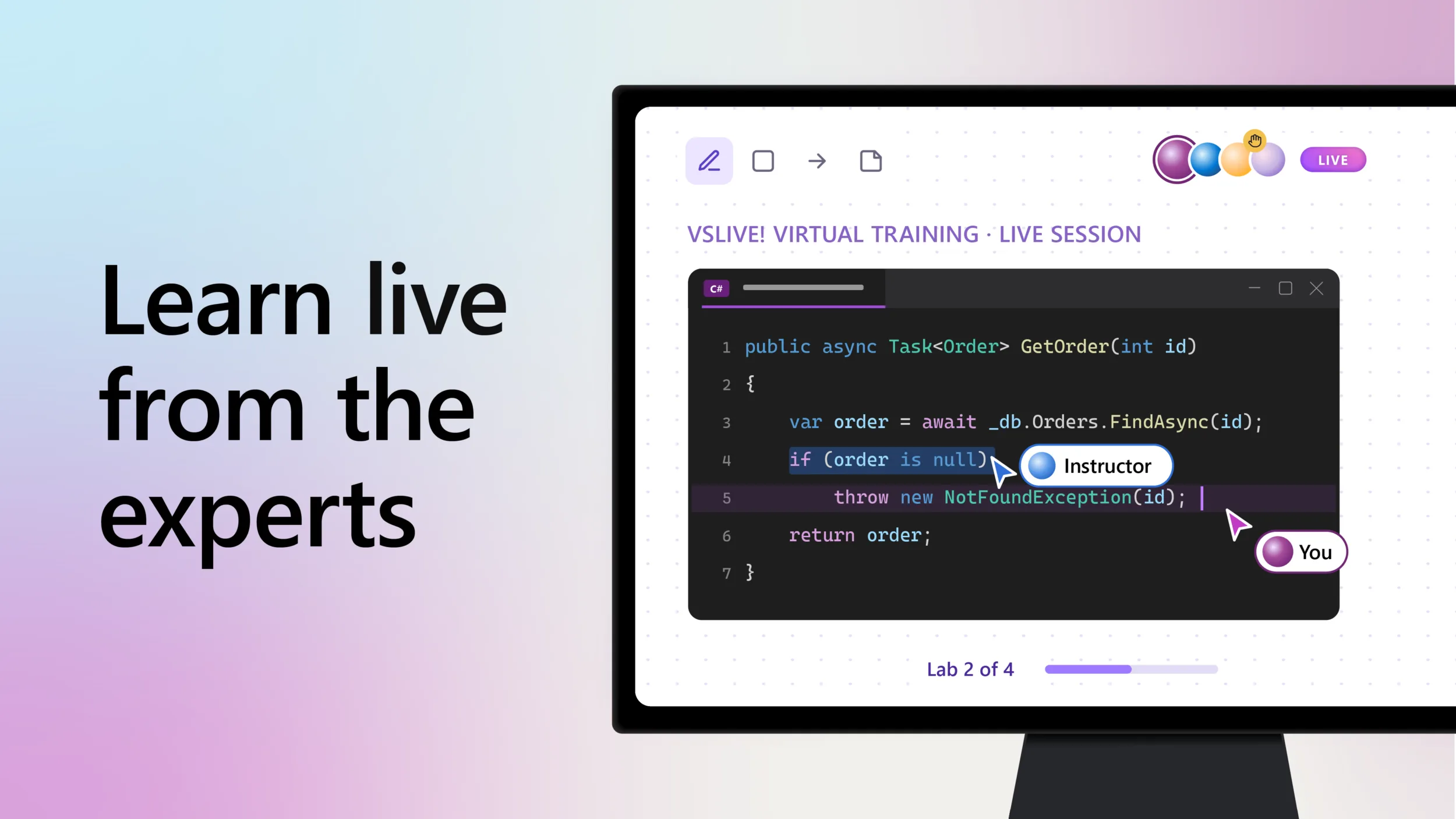
Live technical training, wherever you are: A VSLive! benefit for Visual Studio subscribers
Developers are constantly speaking to me about how AI tool mastery has become an essential part of their everyday work. But learning how to use these tools effectively takes more than experimenting with a few prompts, and it often requires opportunities to learn that go beyond documentation and tutorials. Some of the best technical skill development takes place when you can learn directly from an experienced practitioner why they chose one approach over another. Sure, documentation can explain how a technology is supposed to work. But when you're evaluating key architectural decisions, working through...
Build better applications with Bold BI, a Visual Studio subscriber benefit from Syncfusion
I was talking with a developer recently about a project his team was working on. They'd built an application, connected their data sources, and had everything in working order. Then came another request from management: Could they add a dashboard within the app so users could actually see what was happening with all that data? As we talked, the developer explained what that really meant. More infrastructure, more queries, more charts, additional reporting functionality, and another set of features to build, test and maintain. And all of this would take valuable time to produce. Sound familiar? It's a ...
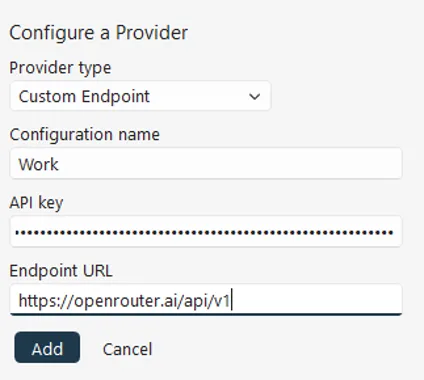
Bring Your Own Model is now generally available in Visual Studio

Whether your team hosts its own AI models, you have an API key from a model provider, or you want to experiment with a model running on your machine, Bring Your Own Model (BYOM) lets you use those models without leaving Visual Studio. BYOM is now generally available in Visual Studio 18.12. Since the August Preview, your feedback has shaped improvements for team deployments, enterprise networks, and personal projects. This release brings multiple configurations for the same provider, a dedicated custom-endpoint experience that includes local models, more control over API compatibility, and improved proxy suppor...
Announcing Visual Studio 2026 LTSC 18.11

Today, we are announcing Visual Studio 2026 Long-Term Servicing Channel (LTSC) 18.11 alongside Visual Studio 2026 18.12 on the Stable channel. LTSC 18.11 will receive two years of support, through November 14, 2028, rather than the one year of LTSC support we previously announced. If you are using Visual Studio 2022 for its LTSC benefits this is a great time to consider migrating to the new Visual Studio 2026 LTSC 18.11 to get the latest Visual Studio has to offer. Visual Studio 2026 LTSC 18.11 is not a new product - it is a new support and servicing channel for Visual Studio 2026 so it includes the full fea...
Copilot in Visual Studio Just Got a Major Upgrade

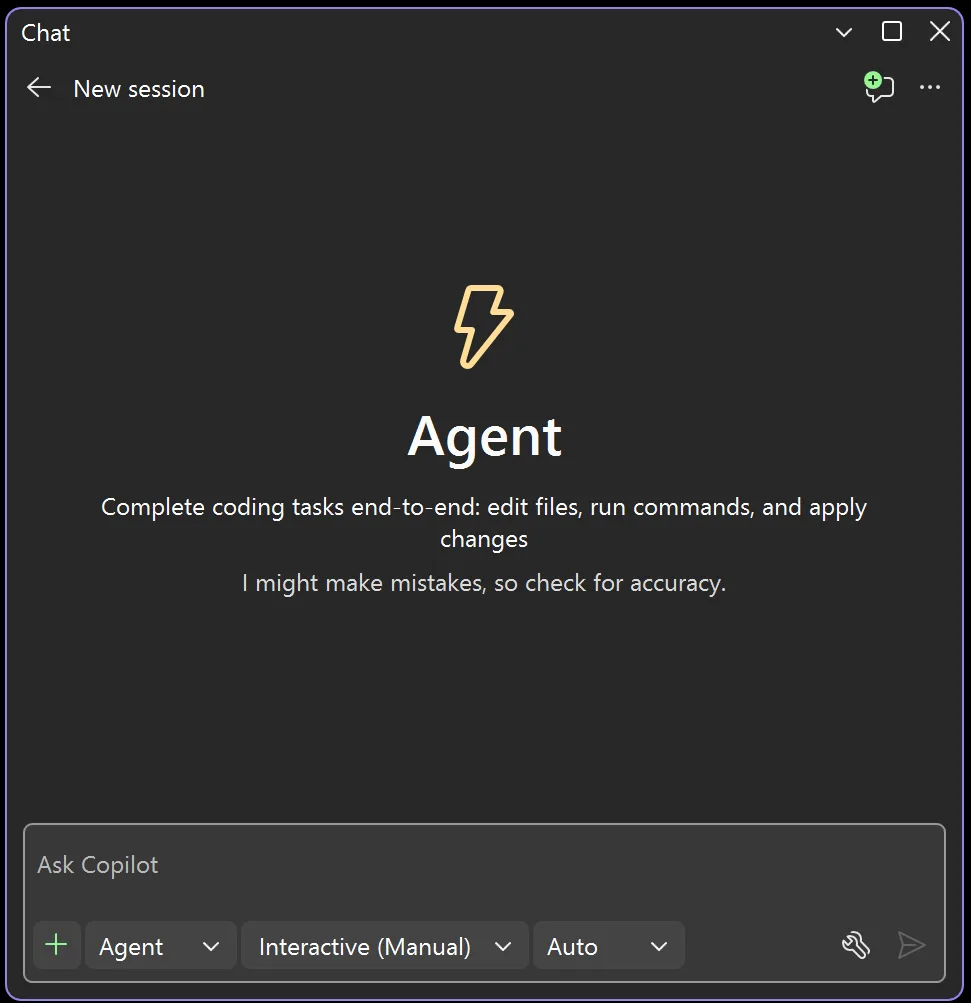
Copilot Chat in Visual Studio just got a new engine. Starting with Visual Studio 2026 version 18.12, it runs on the Microsoft Copilot SDK developed by GitHub, the same technology powering GitHub Copilot CLI, the GitHub Copilot app, and VS Code. It’s on by default, and it’s a major upgrade: same models, more tasks solved, new ways to work. We put the previous and new Copilot experiences through over one hundred coding tasks. The new experience came out ahead with every model we tested, across capability levels and providers, resolving up to 21 more tasks. The chat itself is better too: you get shorter, more ...
Keep learning, keep building! Make the most of VSLive! with your Visual Studio Subscription
Keeping up with new technology is one thing. Finding worthwhile opportunities to explore what matters most to your work is another. That's where VSLive! can help. It brings technical learning, hands-on experience, expert guidance, and a community of developers together in one place, giving you focused time to explore evolving technologies and decide what’s worth bringing back to your team. And if you're an eligible Dev Essentials member, Visual Studio Professional subscriber, or Visual Studio Enterprise subscriber, you have benefits that can provide a significant discount for these in-person events. D...
Preparing for your next certification could start with your Visual Studio Subscription
Are you thinking about earning a Microsoft certification to help advance your career, build on your existing skills, or meet new requirements at work? If so, you may already be wondering where to start. Which courses, labs, and hands-on exercises will help you prepare? How much time will it take to find the right resources, and how much will that training cost? Here's something you may not be aware of: Eligible Visual Studio Subscriptions already include many of the learning resources you need to prepare for your next certification. Visual Studio subscribers can access training from Cloud Academy ...
